
 By
By Creating your first resume can be harder than it looks.
You may have the education, skills, college projects, certifications, internships, and achievements—but putting everything into a professional one-page resume can be difficult.
This is where AI resume builders can help.
Instead of starting with a completely blank document, these tools can help you create a resume, improve your bullet points, tailor your resume to a job description, and in some cases check how well your resume matches an ATS (Applicant Tracking System).
But there is a problem.
Many websites advertise themselves as “free AI resume builders”, but the free version may have limitations. Some restrict AI features, some limit downloads, and some allow you to build a resume for free but require payment for certain exports or features.
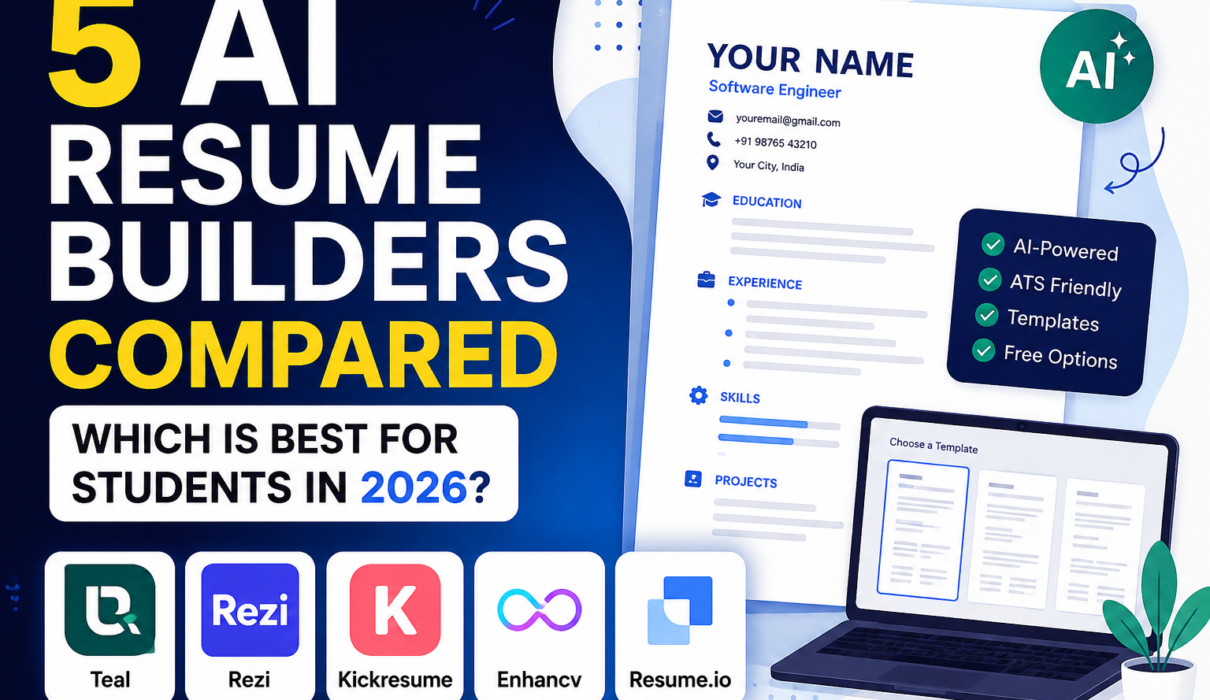
So instead of simply giving you a list of 10 resume websites, I have compared 5 popular AI resume builders based on what students actually care about:
- Free access
- AI features
- Resume templates
- ATS support
- Ease of use
- Download options
- Overall usefulness for students
Note : Free plans, AI credits, templates, and pricing can change. Always check the tool’s official website before making a decision.
Quick Comparison: 5 AI Resume Builders for Students
| AI Resume Builder | Best For | Free Access | AI Features | Best Use |
|---|---|---|---|---|
| Teal | Job applications and resume tailoring | ✅ Yes | ✅ Limited AI credits | Tailoring your resume to different jobs |
| Rezi | ATS-focused resumes | ✅ Yes | ✅ Limited AI features | Creating an ATS-friendly resume |
| Kickresume | AI-assisted resume creation | ✅ Yes | ✅ Limited AI usage | Creating a resume quickly |
| Enhancv | Resume design and customization | ⚠️ 7-day free access | ✅ Yes | Creating a visually polished resume |
| Resume.io | Guided resume building | ✅ Limited free plan | ✅ AI-assisted features | Creating and editing a resume quickly |
The biggest difference between these tools is not simply how many templates they offer.
The more important question is what you can actually do without paying.
1. Teal
Best for: Job applications, resume tailoring, and organization
Teal is one of the tools I would recommend looking at first if you are a student applying for multiple internships or jobs.
One reason is that Teal is not just a resume builder. It also focuses on organizing your job search.
You can create multiple resume versions and tailor them for different job descriptions.
For example, imagine you are applying for two internships:
Internship A: Java Backend Developer
Internship B: Data Analyst
You shouldn’t necessarily send exactly the same resume to both companies.
Your projects and skills may be the same, but the way you present them can be different.
Teal can help you match your resume to a particular job description and identify relevant keywords.
You can use Teal for:
- Creating resumes
- Creating multiple resume versions
- Matching your resume to job descriptions
- Improving resume content
- Tracking job applications
- Creating tailored bullet points
- Organizing your job search
Teal currently says its free resume creator allows unlimited resumes and downloads, while some advanced analysis and AI features are limited on the free plan. Its current pricing information lists limited AI credits for resume bullets, professional summaries, and cover letters.
Teal is the best choice if you’re applying to many internships and want to keep your job search organized.
👉 Visit Teal
2. Rezi
Best for: ATS-friendly resumes
Rezi focuses heavily on creating resumes that are easy for Applicant Tracking Systems to read.
An ATS is software companies can use to scan and filter resumes before they reach a recruiter.
This is particularly important when you’re applying online.
For example, instead of creating a resume with lots of graphics, unusual layouts, or complicated columns, you can use a cleaner format that is easier for an ATS to process.
Rezi also provides AI assistance for writing and improving resume content.
You can use Rezi for:
- Creating an ATS-friendly resume
- Writing resume content with AI
- Improving bullet points
- Keyword targeting
- Resume analysis
- Creating cover letters
- Downloading your resume as PDF
Rezi’s current free plan allows one resume and up to three PDF downloads, along with limited AI functionality. No credit card is required to start.
If your main concern is:
“Will my resume be easy for an ATS to read?”
Rezi is one of the strongest options to consider.
👉 Visit Rezi
3. Kickresume
Best for: Creating a resume quickly with AI assistance
Kickresume is another popular option for students and freshers.
One of its biggest advantages is that it can help you get started when you’re staring at a blank resume.
It’s AI Resume Writer can generate a first draft based on information such as your job title and target role.
You can then edit the generated content instead of accepting everything exactly as AI wrote it.
You can use Kickresume for:
- Creating resumes
- AI-assisted resume writing
- Cover letters
- Resume templates
- Resume rewriting
- Resume checking
- Job application tracking
- Career planning
Kickresume currently offers a free plan with four free resume templates and unlimited downloads when you stay within the free customization options. Its AI tools have limited free usage. Students and teachers can also qualify for free Premium access after verification through supported student-status systems.
If you’re creating your first resume and don’t know what to write in each section, Kickresume is worth trying.
👉 Visit Kickresume
4. Enhancv
Best for: Design-focused resumes and customization
Enhancv takes a more design-focused approach to resume building.
It provides different resume sections and design options that can help you create a more visually polished resume.
This can be useful if you want more control over how your resume looks.
However, there is an important difference compared with some of the other tools on this list.
Enhancv’s current free access is a 7-day free period, rather than a permanent free plan. The free version includes all templates, basic sections, design tools, and Enhancv branding, while features such as ATS checking and removing branding require the paid plan.
You can use Enhancv for:
- Creating resumes
- Improving resume content
- AI-assisted writing
- Resume design
- Highlighting projects and achievements
- Creating visually polished resumes
Enhancv is worth considering if design and customization are important to you, but students on a tight budget should be aware of the 7-day free-access limitation.
👉 Visit Enhancv
5. Resume.io
Best for: Guided resume building
Resume.io is designed to make the resume-building process relatively straightforward.
You can choose a template, enter your information, and work through the different resume sections.
It also provides AI-assisted features for creating and improving resume content.
However, this is another tool where you need to understand what “free” actually means.
Resume.io’s current free plan allows one resume and one cover letter, but downloads on the free plan are limited to TXT format. Professionally formatted PDF downloads are part of the paid access.
You can use Resume.io for:
- Building a resume
- Resume templates
- AI-assisted content
- Resume editing
- Cover letters
- Resume examples
Resume.io is useful for exploring resume templates and building a draft, but I wouldn’t choose it as my first option if you need a free, formatted PDF resume.
👉 Visit Resume.io
Which AI Resume Builder Should Students Choose?
Now comes the important question.
Which one should you actually use?
There isn’t one perfect resume builder for everyone.
It depends on what you need.
🏆 Best overall for students: Teal
If you are applying to multiple internships and want resume tailoring plus job-search organization, Teal is one of the strongest choices.
🎯 Best for ATS-focused resumes: Rezi
If your priority is creating a clean, ATS-friendly resume, Rezi is a strong choice.
✍️ Best for creating your first resume: Kickresume
If you don’t know what to write and want AI assistance to help you get started, Kickresume is worth trying.
🎨 Best for design: Enhancv
If visual customization matters to you, Enhancv gives you more design flexibility, although its free access is limited to 7 days.
📝 Best for guided resume creation: Resume.io
Resume.io is easy to explore, but the free download limitation makes it less attractive if you need a free PDF.
A Simple Resume-Building Process for Students
Here’s the process I recommend.
Step 1: Collect your information
Before opening an AI resume builder, prepare:
- Education
- CGPA
- Technical skills
- Projects
- Internships
- Certifications
- Achievements
- Relevant extracurricular activities
- GitHub/portfolio links
Step 2: Create your first resume
Use a simple, readable template.
Don’t worry about making it perfect immediately.
Step 3: Add your real experience
Write down what you actually did in your projects and internships.
Step 4: Improve the wording with AI
Ask the AI to make your bullet points:
- Clear
- Concise
- Professional
- Achievement-focused
Step 5: Match it to the job
Paste the job description into a tool that supports job matching.
Look for skills and keywords that genuinely match your background.
Step 6: Check everything manually
Check:
- Dates
- Company names
- Project names
- Technologies
- Grammar
- Contact details
- Links
Step 7: Read it like a recruiter
Imagine you have only 10 seconds to look at your resume.
Can you immediately understand:
Who are you?
What can you do?
What have you built?
Why should someone interview you?
If the answer is yes, you’re on the right track.
Frequently Asked Questions
1. What is the best AI resume builder for students in 2026?
For most students, Teal is a strong overall choice because its free plan supports unlimited resume creation and downloads. Rezi is another strong option if ATS optimization is your main priority.
2. Is there a completely free AI resume builder?
Some tools offer free plans, but their limitations are different. Teal currently offers unlimited resume creation and downloads on its free plan, while Rezi allows one resume and three PDF downloads. Kickresume also has a free offering, with additional student access available after verification.
3. Can AI create my entire resume?
Yes, AI can create a first draft, but you should always provide your real information and carefully review the result. Never allow an AI tool to invent your experience, projects, skills, or achievements.
4. Are AI-generated resumes ATS-friendly?
Some AI resume builders specifically provide ATS-oriented templates and tools. However, no tool can guarantee that every employer’s ATS will process a resume perfectly. A clean structure, standard headings, relevant keywords, and readable formatting are still important.
5. Should college students use AI to write resumes?
Yes. AI can be useful for improving wording, organizing information, tailoring resumes to job descriptions, and creating stronger bullet points. But your actual experience and skills should always come from you.